
Rain and thunder sounds
Mix rain and thunder sounds on iPhone, each at its own volume
Restful’s sleep sound mixer has separate Rain and Thunder channels. Keep steady rain in front and thunder in the distance, or turn thunder off altogether, on iPhone or iPad.
Open the mixer, raise Rain, then bring Thunder in at a lower level. Add Wind, Stream or Ocean if you like: all ten channels can play together, each with its own volume slider, and the mixer remembers each channel’s volume for next time. Set the sound timer to 10, 15, 20 or 30 minutes if you want playback to stop by itself.
Checked 26 September 2026 · Released App version 1.0.8 · US price is a dated observation
How it works
How to make a rain and thunder mix
Start with rain
In the mixer, raise the Rain slider to the level you want.
Add thunder quietly
Move the Thunder slider on its own. Keep it low for distant thunder, or leave it at zero for rain alone.
Choose when it stops
Pick a 10, 15, 20 or 30 minute sound timer. Those are the sound timer’s choices; there is no all-night timer setting.
The details
Layer rain with ocean, wind, stream and more
The ten mixer channels are ocean, stream, rain, thunder, wind, campfire, crickets, singing bowl, cafe and white noise. Combine any of them, for example ocean with wind, or rain with a campfire.
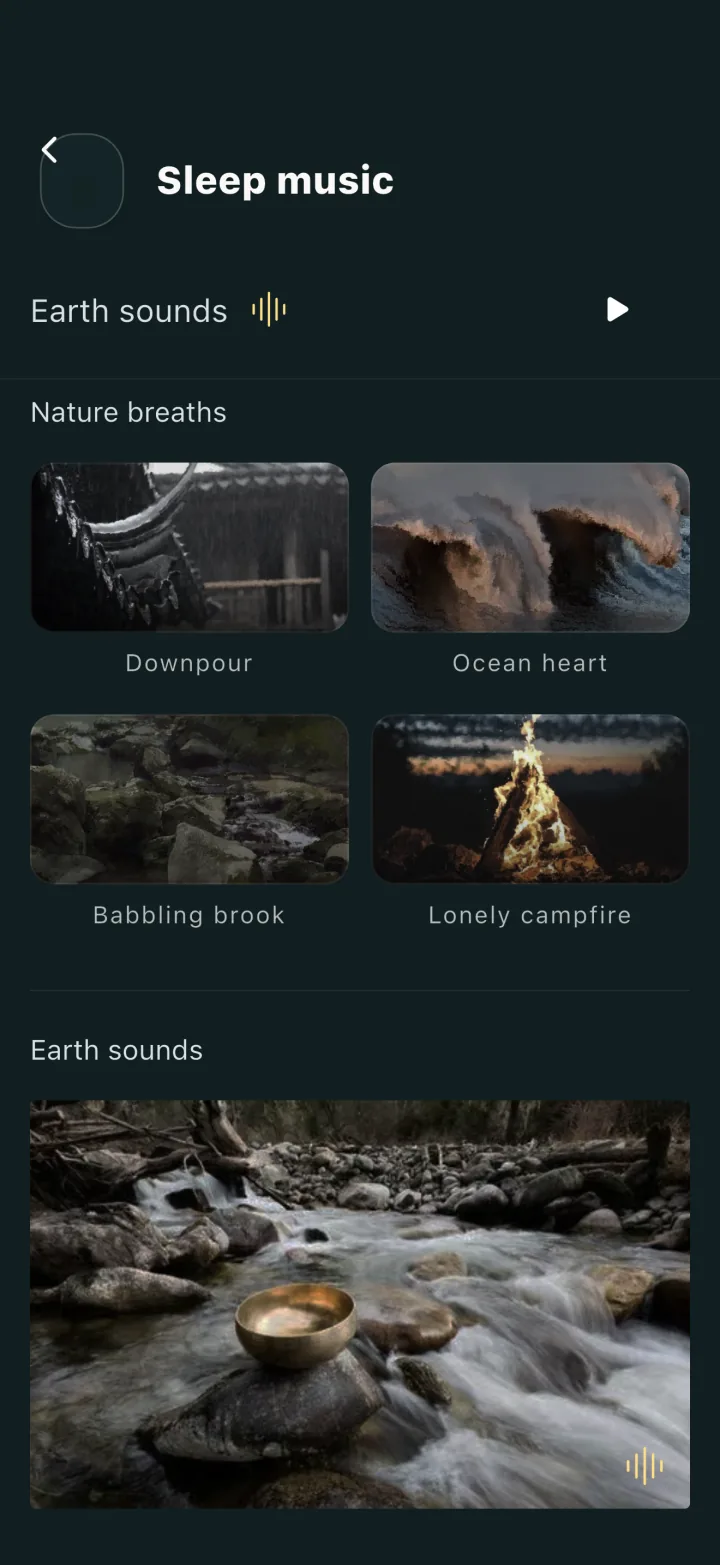
Besides the mixer, Restful includes four full-length nature tracks (Downpour, Ocean heart, Babbling brook and Lonely campfire), four night-city walks (Tokyo, New York, Paris and Shanghai) and 17 wake-up tones. The mixer is where each sound gets its own level.
Limits
Before you pick an app for rain sounds
- iPhone’s built-in Background Sounds also includes rain and ocean, and since iOS 26 it can stop on a timer (Settings > Accessibility > Audio & Visual > Background Sounds). Try it first if one background sound is enough.
- The sound timer’s choices are 10, 15, 20 and 30 minutes; there is no all-night timer setting.
- This website has no audio previews; the sounds play inside the App on iPhone and iPad.
- If you turn on the optional night sound curve, the App’s own rain and thunder reach the microphone and change that night’s curve. The curve is off by default and does not detect sleep.
A direct answer
Can I play rain without thunder?
Yes. Leave the Thunder slider at zero and raise only Rain. Every channel’s volume is set separately.
Ready to choose?
Check Restful on the App Store
The observed US price was USD 2.99 on 26 September 2026. Check the Store for the current price and availability in your market.