
Sleep sound timer
Stop sleep sounds after 20 or 30 minutes on iPhone
Restful’s sound timer stops playback after 10, 15, 20 or 30 minutes. Your iPhone can also stop audio on a timer without another app, so this page covers both.
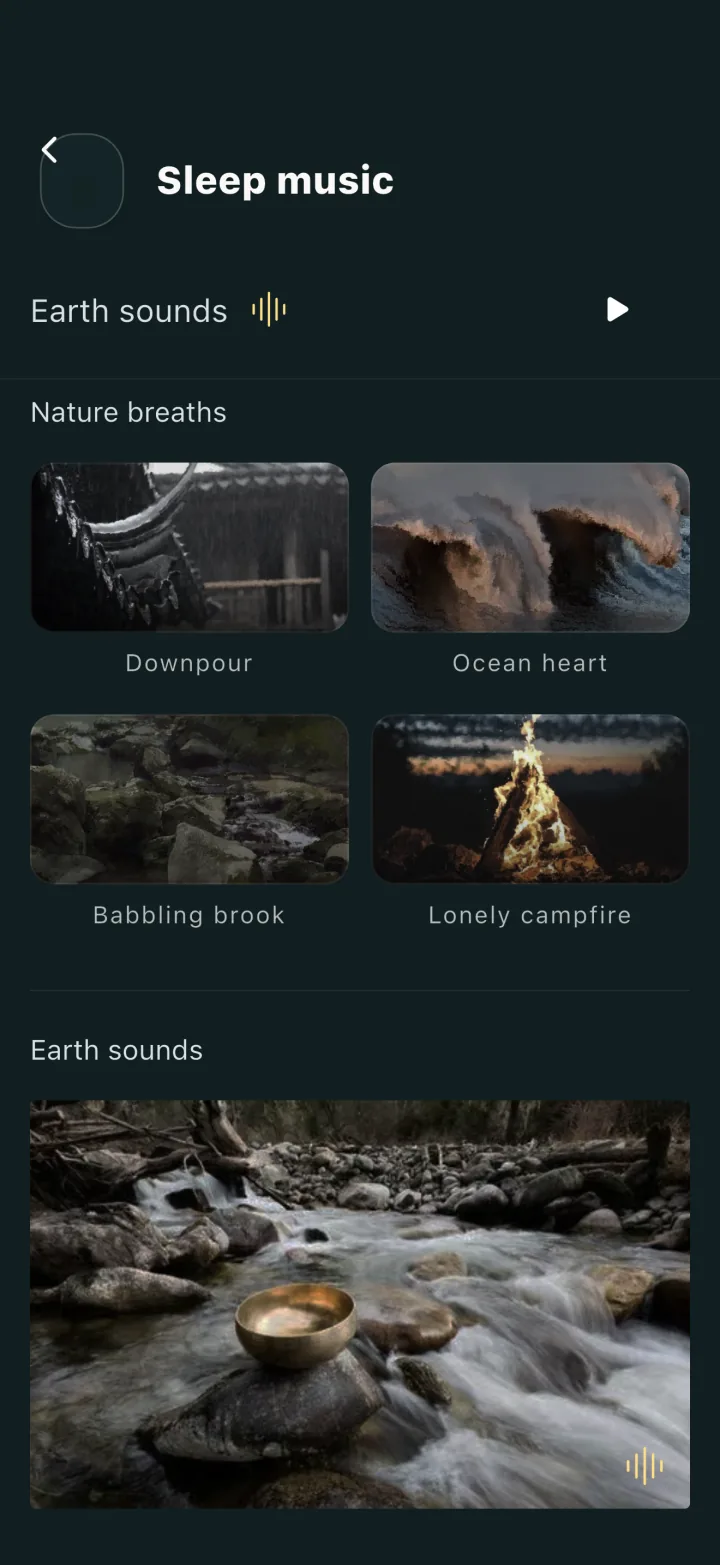
In Restful, choose a sound or your own mix, set the sleep music timer to 20 or 30 minutes, and playback stops by itself. Naps have a separate nap music timer with the same four choices, set apart from the nap’s wake-up time.
Checked 26 September 2026 · Released App version 1.0.8 · US price is a dated observation
How it works
Three ways to stop sounds after a set time on iPhone
Restful’s sound timer
Choose 10, 15, 20 or 30 minutes in the App. It stops Restful’s own sounds and mixes.
The Clock app timer
In the iPhone Clock app, tap Timers and set a duration, tap When Timer Ends, then choose Stop Playing and tap Set and Start. Apple documents this for stopping audio or video when you fall asleep.
Background Sounds
Since iOS 26, the built-in Background Sounds can stop at a set time or after an amount of time: Settings > Accessibility > Audio & Visual > Background Sounds, then Stop Sounds with a Timer.
The details
Sound timer vs nap timer
A sound timer answers “when should the audio stop?” A nap timer answers “when should a wake-up tone play?” In Restful they are separate settings.
An unlimited nap length does not mean unlimited sound playback: the nap music timer still offers 10, 15, 20 or 30 minutes.
Limits
What a sound timer does not do
- It does not detect when you fall asleep. It counts the minutes you chose.
- Its choices are 10, 15, 20 and 30 minutes; there is no longer or all-night timer setting.
- Stopping sound is not an alarm. If you need to wake up, use the nap timer or the fixed-time alarm, and keep a separate reliable alarm when the wake-up matters.
A direct answer
Should I use the Clock app or Restful’s timer?
If you already have a sound you like in another app, the Clock app’s Stop Playing option costs nothing extra. Restful’s timer sits next to its mixer, and its nap mode adds a separate wake-up tone. Pick the one that matches the routine you actually use.
Ready to choose?
Check Restful on the App Store
The observed US price was USD 2.99 on 26 September 2026. Check the Store for the current price and availability in your market.